We already covered the signs that cost you jobs directly, like a hidden phone number or a dead contact form, in 7 Signs Your Website Is Costing You Jobs. This list is the trust problem underneath that one: the things that make a visitor quietly doubt you before they even look for the phone number.
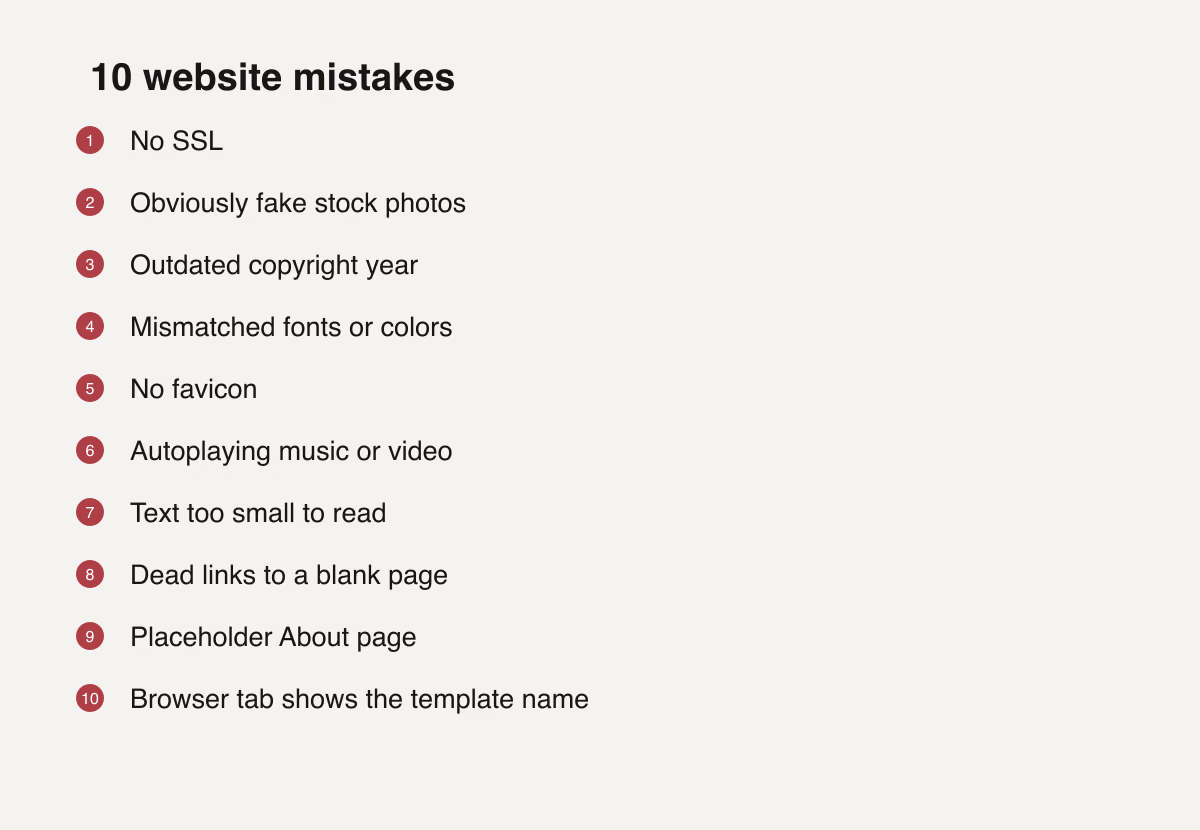
1. No SSL. a browser warning that says "Not Secure" next to your web address kills trust instantly, even if the rest of the site is fine
2. Obviously fake stock photos. a smiling actor in a hard hat who's never touched your trade reads as fake the moment someone notices, and people notice
3. An outdated copyright year in the footer. a footer that still says 2021 quietly tells a visitor nobody's touched this site in years
4. Mismatched fonts or colors from page to page. a clear sign the site was patched together in pieces over time, not built once
5. No favicon. the little icon in the browser tab. A blank default icon is a small thing, but it reads as unfinished
6. Autoplaying music, video, or a splash animation. dated the moment it loads, and most people close the tab before it finishes
7. Text so small it needs zooming in to read comfortably, especially on a phone
8. Dead links that lead to a blank error page. an old service page or a broken social icon left over from a redesign
9. An About page that's still placeholder text. generic filler copy left over from a template, never actually written for you
10. A browser tab that still says "Home" or the template's name instead of your business name
How to actually check for these
Most of this list you can spot yourself in five minutes. Open your site on your phone, zoom out, and read it like a stranger would. For the SSL check specifically, a free tool like SSL Labs' server test will confirm it in seconds if you're not sure.