
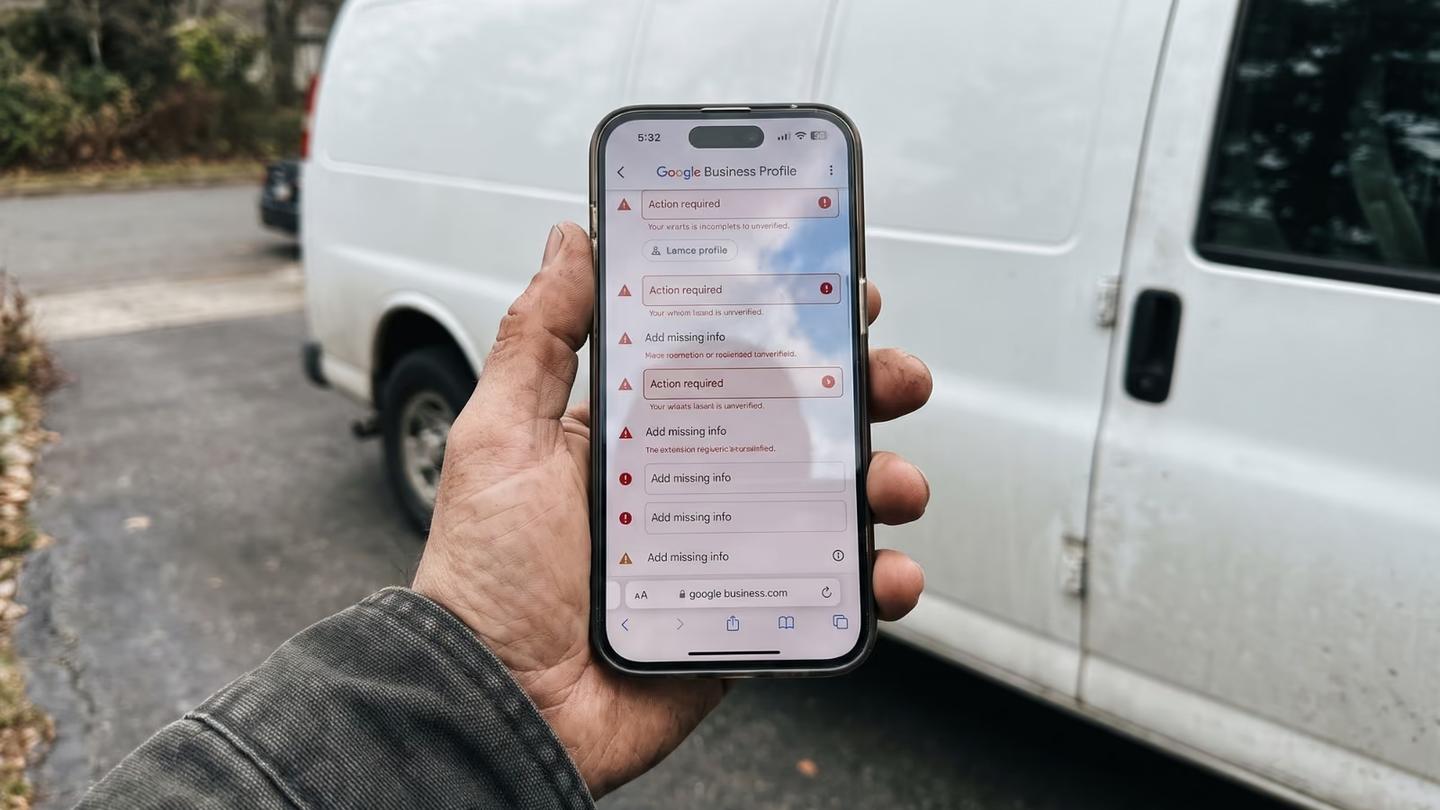
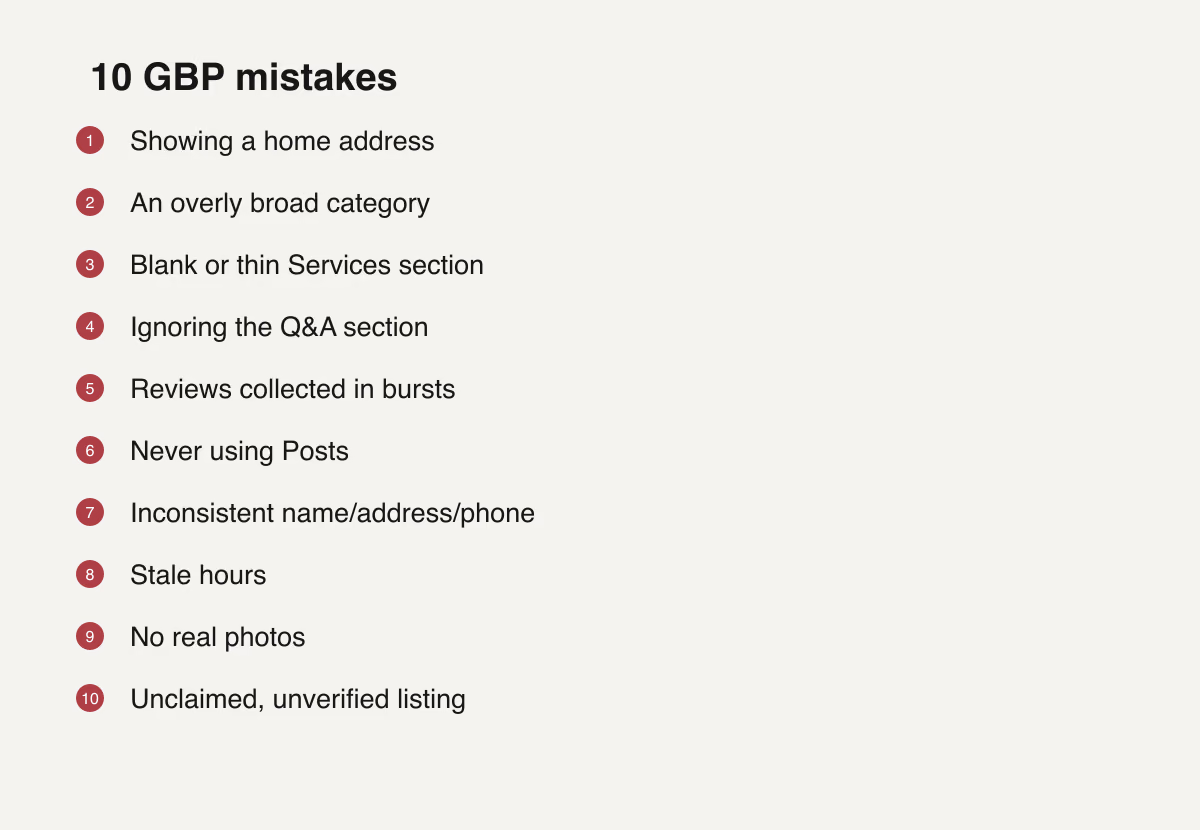
We already covered the 12 fields worth filling in on your profile in our Google Business Profile checklist. This is the other half: the specific mistakes that actively push you down, not just the blanks you left empty.
1. Showing a home address on a service-area business. if you work at customers' homes rather than a storefront, a visible home address can get your profile suspended outright. Hide the address and set a service area instead
2. Picking an overly broad category. "Home Services" or "Contractor" puts you up against every trade in town. Use the most specific category that fits, "Plumber" beats "Contractor" every time
3. Leaving the Services section blank or down to one line. a single generic line like "plumbing services" tells Google nothing. List each service separately with its own short description
4. Ignoring the Q&A section. anyone can post a question, and anyone can answer it, including competitors. An empty Q&A section is an open invitation. Pre-write answers to your three most common questions
5. Collecting reviews in bursts. a pile of five reviews in one week, then nothing for months, reads as manipulated to Google. Ask steadily, after every job, not in campaigns
6. Never using the Posts feature. it's free, and most contractors never touch it. A monthly post about a seasonal offer or a finished job keeps the profile looking active
7. Inconsistent name, address, or phone number. if your business name or number doesn't match exactly across Google, Yelp, and your own website, it quietly hurts your ranking everywhere
8. Stale hours, especially holidays. a profile showing "open" on a day you're closed looks abandoned the moment someone notices, and some won't call back to check
9. No photos, or only stock photos. real photos of real jobs build more trust than any amount of copy. Add a few new ones every month, not just at setup
10. Never actually claiming and verifying the listing. an unclaimed profile means anyone, including a competitor, can suggest edits to your hours, address, or category
The fastest fix if you're short on time
Pick three from this list you haven't touched and fix them this week. Reviews, photos, and the category field move the needle fastest of everything here.
Google's own guidelines on representing a business accurately are worth a skim too, since the address and category rules come straight from there, not from us. See Google's Business Profile guidelines.