
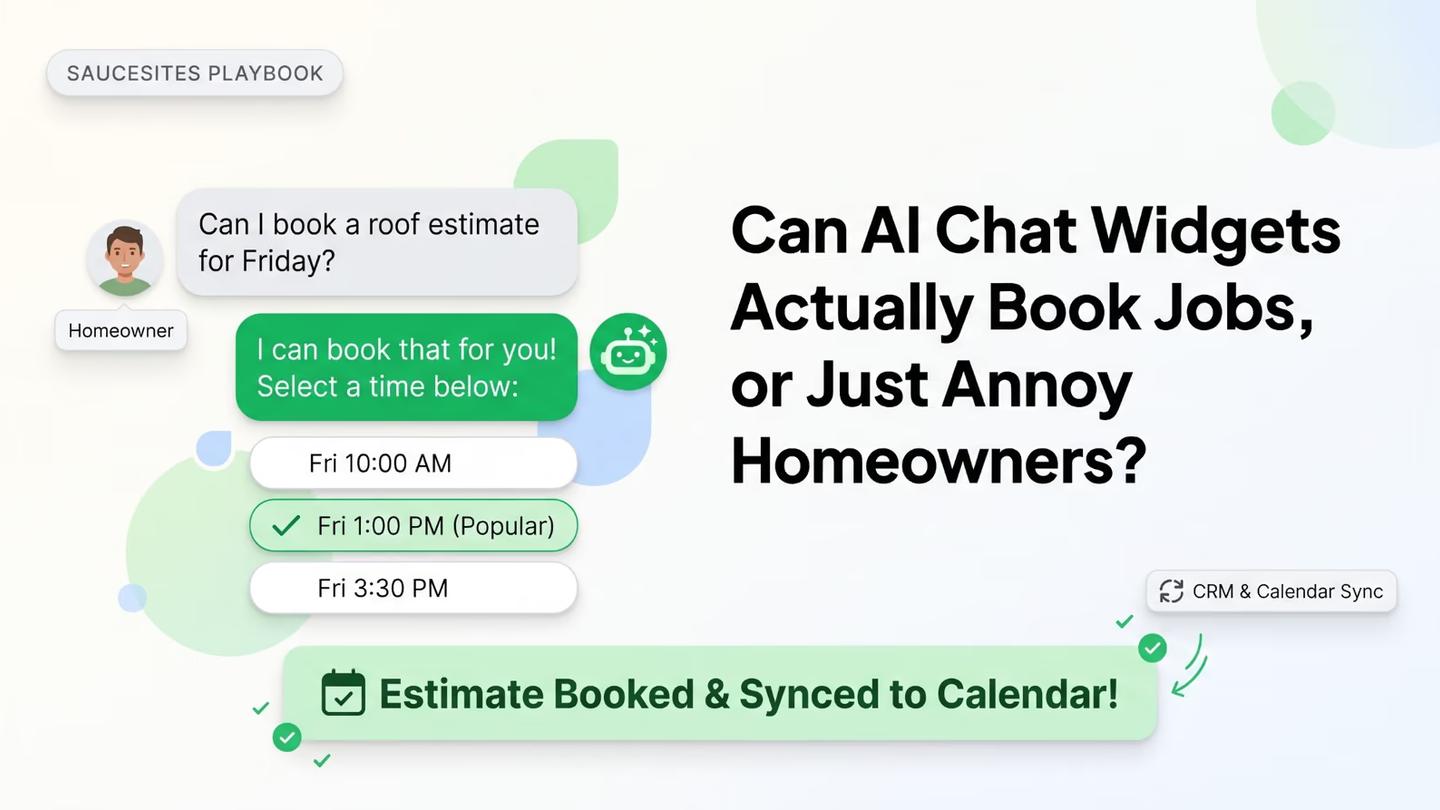
What a good one actually does
A chat widget that's worth having collects a name, phone number, and a short description of the job, then gets that straight to you by text or email. It's a faster, less formal version of a contact form, nothing more mysterious than that. The good ones are also honest about what they are the moment anyone asks: a bot, not a person pretending to be one.
Where it actually helps
After hours. a homeowner browsing at 10pm can start a request instead of bookmarking the tab and forgetting
On mobile. typing three sentences into a chat box is faster than filling out a full form on a small screen
For the undecided. someone who isn't ready to call can ask a quick question first without the pressure of a phone conversation
Where it gets annoying
Popping up the instant the page loads, before anyone's had a chance to read anything
Fake "agent is typing..." theatrics that pretend a human is there when one isn't
Hiding your real phone number behind the chat bubble instead of showing it right next to it
That last one matters more than it sounds. We cover exactly where your number should sit on the page, chat widget or not, in where should your phone number go on your website.
Three rules for a chat widget that doesn't annoy people
Delay it by 10-15 seconds, or trigger it on scroll, instead of firing on page load
Always show your real phone number next to it, never instead of it
Let someone skip straight to a form or a real person if they don't want to type back and forth
Podium's website chat is a widely used example of this done well. See Podium.